How to show a folder
To show the public folder as in the image below, you need to change the configuration file in OpenLiteSpeed way.
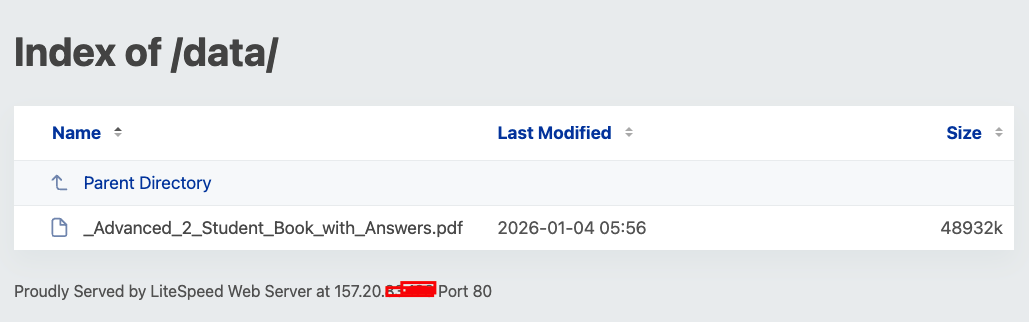
Allowing to browse the public folder
This is the configuration file located at /opt/kiwipanel/config/lsws/vhosts/KiwiPanel/vhconf.conf you need to edit.
bash
docRoot /home/kiwiweb/default_site/
enableGzip 1

context / {
  allowBrowse 1
  rewrite  {
    RewriteFile .htaccess
  }
}

index {
  autoIndexURI /_autoindex/default.php
  indexFiles index.php,index.html
  #Set the directory listing to be displayed (1 means true)
  autoIndex 1
  useServer 0
}
For other domain, you might need to edit the configuration file located at /opt/kiwipanel/config/lsws/vhosts/your_domain/vhconf.conf.